
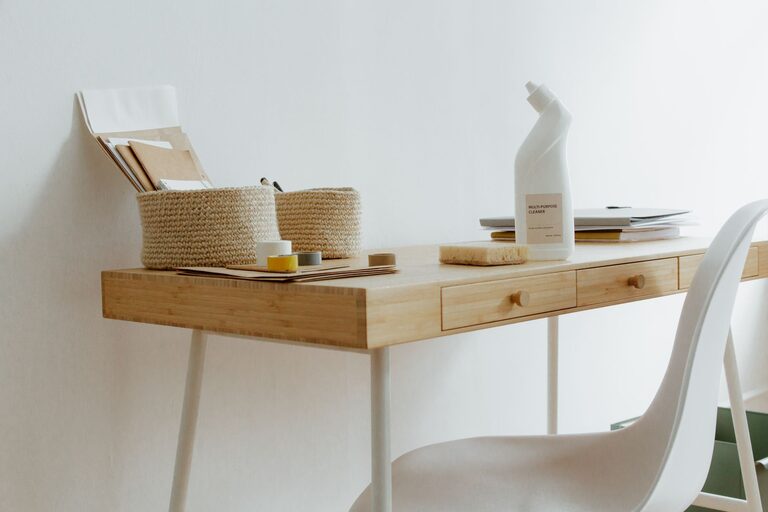
Creating a clutter-free and productive home office is essential for maintaining focus and efficiency during your workday. Whether you work remotely full-time or occasionally from home, having an organized workspace can help reduce stress and enhance creativity. In this post, we’ll explore practical tips to help you design a home office that is tidy, comfortable, and conducive to productivity.
Assess Your Space and Needs
Before making any changes, consider the size of your home office and how you use the space. Do you need room for multiple monitors, storage for paper files, or a dedicated area for video calls? Understanding your workflow and requirements can guide your organization strategy.
– Measure your space to ensure furniture and storage fit well without overcrowding.
– List your essentials: computer, printer, notebooks, chargers, etc.
– Identify distractions to minimize them, such as noisy areas or clutter hotspots.
Choose the Right Furniture
Selecting appropriate furniture plays a big role in keeping your office organized and comfortable.
Desk
– Opt for a desk with built-in storage like drawers or shelves.
– Consider a standing desk or adjustable desk to promote better posture.
– Ensure the desk surface has enough room for your computer and workspace essentials.
Chair
– Invest in an ergonomic chair that supports good posture.
– Comfort reduces fatigue and promotes longer periods of focused work.
Storage Solutions
– Use shelving units or cabinets to keep items off your desk.
– Desk organizers, drawer dividers, and file holders help contain small items.
Declutter Regularly
Clutter accumulates when items don’t have a designated spot or when you hold onto unnecessary things.
– Set a weekly or monthly time to clear your desk and organize papers.
– Use the “keep, toss, or donate” method when sorting through items.
– Digitize documents to reduce physical paperwork where possible.
Optimize Your Layout
How you arrange your furniture and items affects how efficiently you work.
– Position your desk near natural light to boost mood and alertness.
– Keep frequently used items within arm’s reach to reduce distractions.
– Use cable organizers or clips to prevent wires from tangling.
Use Technology to Stay Organized
Digital tools can help you manage tasks and reduce paper clutter.
– Use apps like task managers, calendars, and note-taking tools.
– Scan receipts and documents to store them electronically.
– Backup your work regularly to avoid data loss.
Maintain Good Lighting and Air Quality
A well-lit and fresh environment can improve concentration.
– Combine natural and artificial lighting; consider adjustable lamps.
– Keep plants to improve air quality and add a touch of greenery.
– Ensure your space is well-ventilated.
Personalize Your Workspace
While keeping things tidy is important, adding personal touches can make your office welcoming.
– Display motivating quotes or artwork.
– Use color schemes that promote calm and focus.
– Incorporate a few decorative items without overcrowding.
Set Boundaries and Create a Routine
To keep your home office productive, establish clear work habits.
– Define your working hours and stick to them.
– Inform family or housemates of your schedule to minimize interruptions.
– Take breaks away from the desk to recharge.
Final Thoughts
An organized home office not only supports your productivity but also enhances your work-life balance. By assessing your needs, choosing suitable furniture, minimizing clutter, and personalizing your space, you’ll create an environment where you can thrive. Start small, and gradually implement these tips to transform your home office into a clutter-free, efficient workspace that works for you.